4.2.2.
Running Linux on Or1ksim
The Linux kernel should now just boot up. Run Or1ksim from the
main Linux directory:
cd linux-2.6.23
or32-uclinux-sim -f sim.cfg vmlinux
![[Note]](../images/note.png) | Note |
|---|
Or1ksim will give a number of warnings about invalid
parameters. This is because the sim.cfg file
was originally created for a different version of Or1ksim. These
parameters are never used in this version of Or1ksim and the
warnings can be ignored.
|
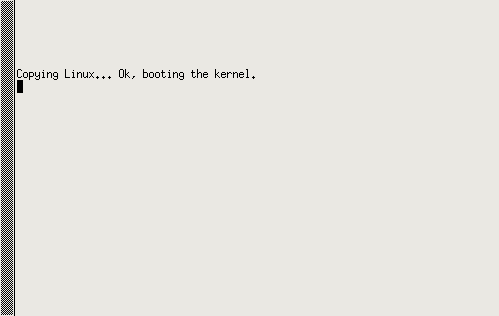
Linux will initially show that it is copying from ROM to main
memory, and then booting.
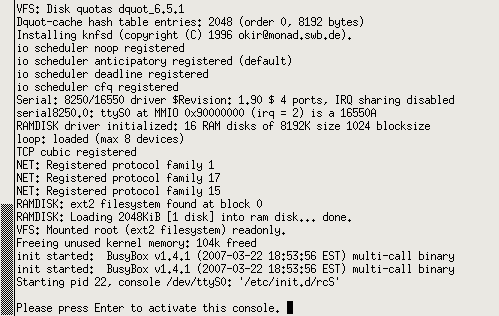
There is then a pause of one or two minutes, while the Linux
kernel boots prior to configuring the UART I/O. Once that point is
reached, then standard Linux boot messages will begin to
appear. At the end of boot, the terminal will prompt to initiate a
console session.
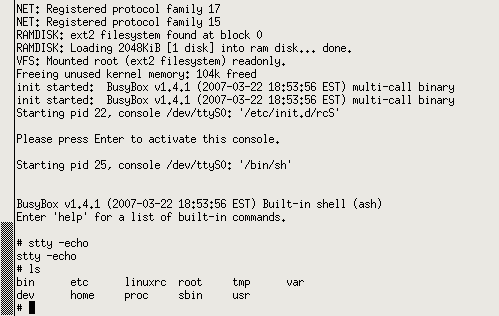
The core Linux commands are available, provided within a BusyBox
environment. The default terminal behavior echoes back what is
typed, so the initial command should be.
stty -echo
Normal Linux behavior is then available.
Custom programs may be added to the Linux environment by compiling
them and adding them to the RAMdisk image. Instructions for this are
provided on the MOF website.